Transactions ensure database operations are atomic, consistent, isolated, and durable (ACID), preventing partial updates that corrupt data. Whether transferring money between accounts or processing e-commerce orders across multiple tables, transactions guarantee "all or nothing" execution. This comprehensive guide covers transaction fundamentals, ACID properties, isolation levels, and production best practices.
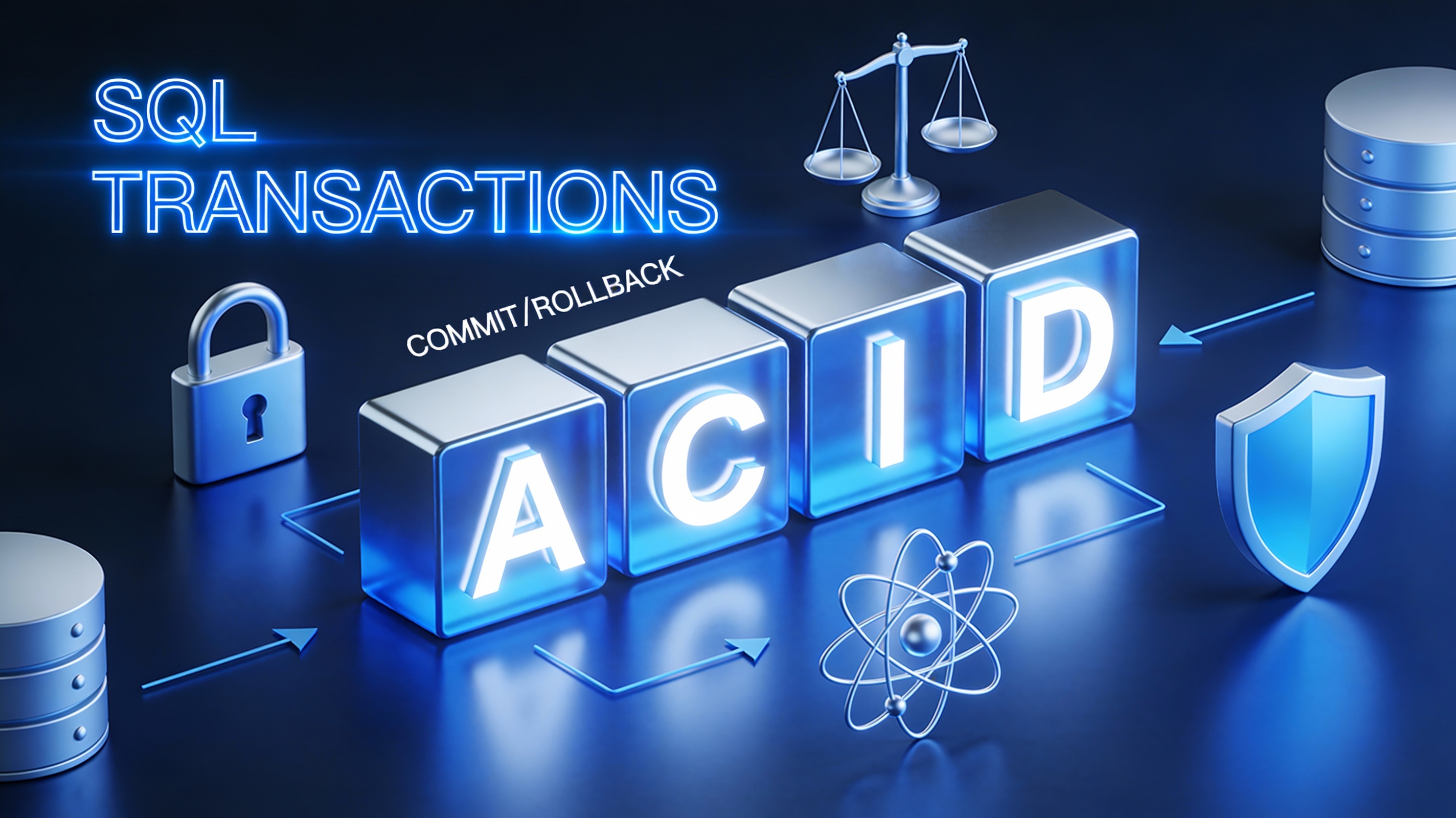
Understanding Transactions in Databases
A transaction is a logical unit of work containing one or more SQL statements that must completely succeed or completely fail. Single statements (INSERT, UPDATE) are implicitly transactional, but explicit transactions group multiple operations.
Core Commands:
BEGIN TRANSACTION/START TRANSACTION: Begin transactionCOMMIT: Permanently save all changesROLLBACK: Undo all changes since transaction beganSAVEPOINT: Named rollback points within transaction
The ACID Properties Explained
⚛️ - Atomicity
All operations succeed or all fail. No "half-completed" states.
⚖️ - Consistency
Database moves from one valid state to another, preserving constraints.
🔒 - Isolation
Concurrent transactions appear to execute sequentially.
💾 - Durability
Committed changes survive system crashes.
Starting, Committing, and Rolling Back Transactions
Bank Transfer Example
START TRANSACTION;

-- Debit sender account
UPDATE accounts
SET balance = balance - 5000
WHERE account_id = 101;

-- Credit receiver account
UPDATE accounts
SET balance = balance + 5000
WHERE account_id = 102;

-- Verify both succeeded before commit
SELECT balance FROM accounts WHERE account_id IN (101, 102);

COMMIT;  -- All good: permanently save
-- ROLLBACK;  -- Uncomment to undo everything
| account_id | owner | balance (before) | balance (after) |
|---|---|---|---|
| 101 | Rahul | ₹25,000 | ₹20,000 |
| 102 | Priya | ₹15,000 | ₹20,000 |
If the second UPDATE fails (account doesn't exist), ROLLBACK restores original balances.
E-commerce Order Example
START TRANSACTION;

-- 1. Insert order header
INSERT INTO orders (customer_id, total_amount, status)
VALUES (101, 75000, 'pending');

-- 2. Insert order items (use LAST_INSERT_ID())
INSERT INTO order_items (order_id, product_id, quantity, price)
VALUES (LAST_INSERT_ID(), 501, 1, 75000);

-- 3. Update product stock
UPDATE products
SET stock = stock - 1
WHERE product_id = 501;

-- 4. Log audit trail
INSERT INTO order_audit (order_id, action, timestamp)
VALUES (LAST_INSERT_ID(), 'order_placed', NOW());

COMMIT;
Handling Errors and Partial Failures
START TRANSACTION;

BEGIN TRY
  -- Risky operations
  UPDATE accounts SET balance = balance - amount WHERE account_id = @from_id;

  IF @@ROWCOUNT = 0
    ROLLBACK TRANSACTION;
    THROW 50001, 'Source account not found', 1;

  UPDATE accounts SET balance = balance + amount WHERE account_id = @to_id;

  IF @@ROWCOUNT = 0
    ROLLBACK TRANSACTION;
    THROW 50002, 'Destination account not found', 1;

  COMMIT TRANSACTION;
END TRY
BEGIN CATCH
  IF @@TRANCOUNT > 0
    ROLLBACK TRANSACTION;
  THROW;
END CATCH;
MySQL equivalent uses SAVEPOINT:
START TRANSACTION;
SAVEPOINT before_debit;

UPDATE accounts SET balance = balance - 5000 WHERE account_id = 101;
IF ROW_COUNT() = 0 THEN ROLLBACK TO before_debit; END IF;

SAVEPOINT before_credit;
UPDATE accounts SET balance = balance + 5000 WHERE account_id = 102;
IF ROW_COUNT() = 0 THEN ROLLBACK TO before_credit; END IF;

COMMIT;
Isolation Levels and Locking Basics
| Isolation Level | Dirty Read | Non-repeatable Read | Phantom Read | Performance |
|---|---|---|---|---|
| Read Uncommitted | ✅ Possible | ✅ Possible | ✅ Possible | Fastest |
| Read Committed (default) | ❌ Blocked | ✅ Possible | ✅ Possible | Fast |
| Repeatable Read | ❌ Blocked | ❌ Blocked | ✅ Possible | Moderate |
| Serializable | ❌ Blocked | ❌ Blocked | ❌ Blocked | Slowest |
Dirty Read: Reading uncommitted changes that might rollback
Non-repeatable: Same SELECT returns different results mid-transaction
Phantom: New rows appear mid-transaction due to concurrent INSERTs
-- Set isolation level
SET TRANSACTION ISOLATION LEVEL REPEATABLE READ;

START TRANSACTION;
-- Your consistent reads here
COMMIT;
Best Practices for Transaction Design
The Transaction Golden Rules
- Keep transactions short: Milliseconds, not seconds. Long transactions cause lock contention
- Avoid user input inside transactions: No waiting for API calls or user decisions
- Handle all error paths: TRY/CATCH or equivalent with ROLLBACK
- Validate before modifying: SELECT existence before UPDATE/DELETE
- Use appropriate isolation: Read Committed for most cases, Serializable only when essential
- Log transaction boundaries: Audit trail for debugging failures
- Test concurrent scenarios: Simulate race conditions during development
Anti-patterns to Avoid
- SELECT FOR UPDATE across entire transaction: Blocks other readers unnecessarily
- Nested transactions without SAVEPOINT: Can silently fail
- Forgetting ROLLBACK in error handlers: Leaves locks held indefinitely
- Long-running reports in transactions: Use READ ONLY hints instead
-- BAD: Long-running query in transaction
START TRANSACTION;
SELECT * FROM orders WHERE customer_id = 12345 ORDER BY order_date DESC LIMIT 100;
-- Holds locks for entire query duration!

-- GOOD: Read-only reporting
SET TRANSACTION READ ONLY;
SELECT * FROM orders WHERE customer_id = 12345 ORDER BY order_date DESC LIMIT 100;
Transactions are your database's safety net, ensuring business-critical operations remain reliable under concurrent load. Master ACID, choose isolation wisely, design transactions defensively, and your data integrity will withstand production pressures.
Comments
Post a Comment